By:Trendexa Team
Published on : April 30, 2026
Buying a smartphone can be confusing with so many options available in different price ranges. This guide will help you choose the right smartphone based on your budget and daily needs, including performance, camera, battery life, and essential features.
Before choosing a smartphone, decide your budget range and identify your primary use. Whether you need a phone for basic tasks, gaming, photography, or professional work, understanding your needs will make the decision easier. Also, check reviews and compare different models within your budget.
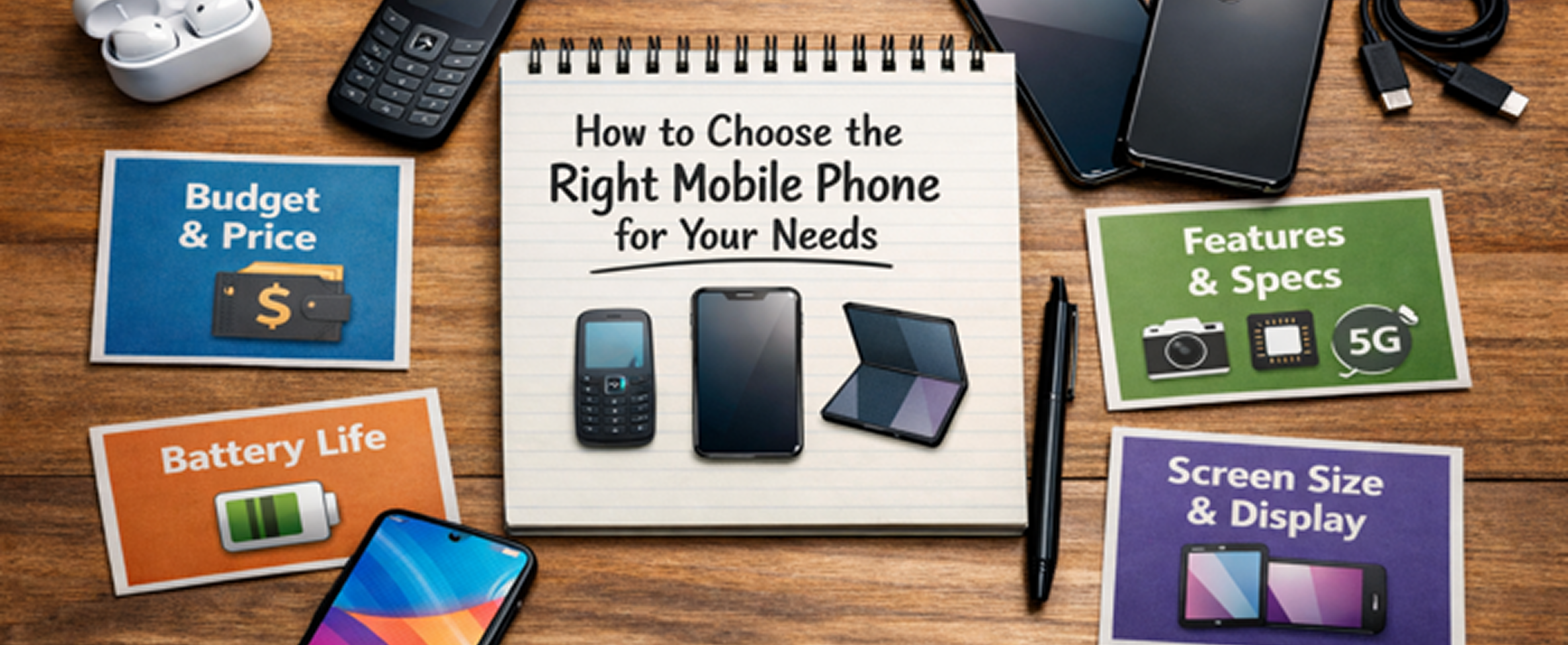
Start by setting a clear budget range. Smartphones are usually categorized into budget, mid-range, and flagship devices. Knowing your budget helps narrow down your choices and prevents overspending.
The processor and RAM determine how smoothly your phone runs. If you multitask or play games, choose a device with a powerful processor and sufficient RAM.
If you love photography or social media, the camera is important. Look beyond megapixels and check real-world performance, image processing, and additional features like night mode.
Battery capacity is crucial for daily usage. A larger battery ensures longer usage without frequent charging.
The display affects your overall experience, especially for watching videos or gaming. Choose a display size and quality that suits your preference.
Many buyers focus only on brand or marketing features. Avoid making decisions without proper research and understanding your needs.
Selecting the right smartphone is about balancing your budget with your daily needs. Focus on what matters most to you and avoid unnecessary features that increase cost without adding value.

April 30, 2026
How to Update Your Phone Software Safely and Quickly

April 29, 2026
How to Secure Your Android Phone From Privacy Risks

October 12, 2023
Google Pixel 8 Pro passes durability test..

October 12, 2023
Apple Watch Series 9 Review: Smarter Features..
Telegram Web Login vs Desktop Login
QR Code Login vs Phone Number Login
Telegram Web K vs Telegram Web A
Telegram Web vs Telegram Desktop App
Private Browser vs Normal Browser Login
Two-Step Verification vs Login Code
Logout Session vs Terminate Session
Telegram Web vs Mobile App